Index
KMLB Docs
KMLB is a dependency-free Python KML builder for Google Earth. Write points, lines, polygons, styles, and folders in plain Python, then assemble them into a complete .kml
New to KMLB? Check out our Quick Start Guide and a tutorial that builds a KML of Boston waterfront attractions step by step.
Example KML Script
Each feature is a single Python call that returns a KML element. Create features, give them styles, and gather them into a document to write to disk. That is the whole workflow.
import kmlb

# CREATE A POINT
fountain = kmlb.point([-71.051904, 42.358988, 0], "Rings Fountain")

# WRITE KML FILE
kmlb.kml(
    "Boston Fountain",  # KML name
    [fountain],         # Features
    path="folder/boston_fountain.kml"  # Export path
)
Example 3D Output
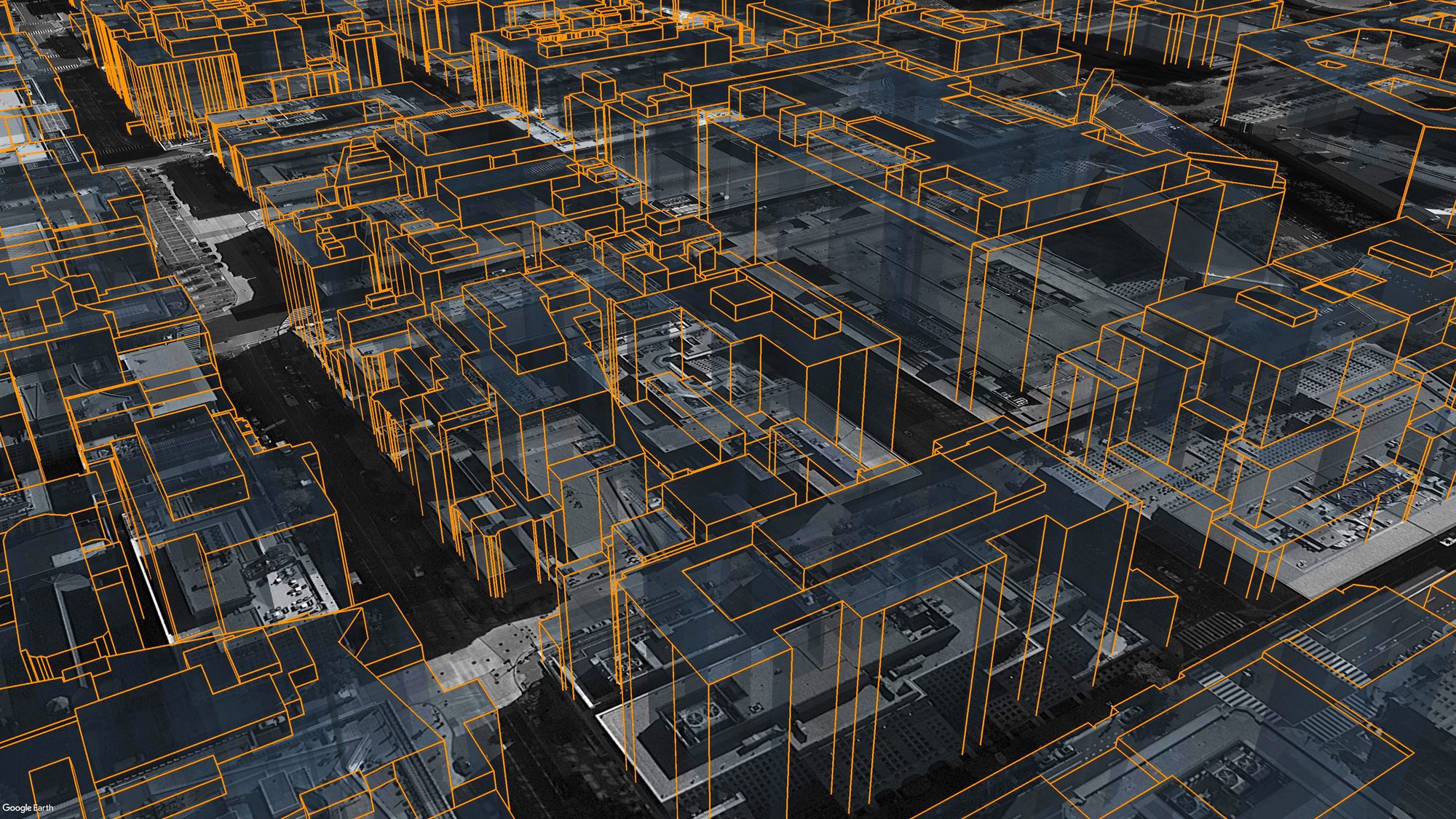
Building footprints extruded into 3D and viewed in Google Earth, built with kmlb polygons.
Function references
Every kmlb function, grouped by what it does. Follow any link for its full signature, parameters, and worked examples.
Features
Build placemarks from coordinates or a search, ready to drop into a folder or document.
| Function | Description |
|---|---|
point |
Point placemark from a [lon, lat] (or [lon, lat, elev]) coordinate set. |
search_poi |
Placemark located by an address or search string, geocoded by Google Earth. |
street_view |
Point placemark built from a Google Maps Street View URL that opens that panorama. |
line |
Line or polyline from an ordered list of coordinates. |
polygon |
Polygon from one or more rings (first ring outer, the rest holes). |
Styles
Define a reusable style once, name it, and reference it from a feature's style_to_use.
| Function | Description |
|---|---|
point_style |
Reusable point style: icon, color, scale, and label. |
line_style |
Reusable line style: color and width. |
polygon_style |
Reusable polygon style: fill and outline. |
Views & Export
Group features, set the camera, and write the document.
| Function | Description |
|---|---|
folder |
Group features and other folders together. |
kml |
Assemble features and styles into a KML document and write it to disk. |
look_at |
Camera angle and view that orbits a target, for a feature or document. |
camera |
Camera viewpoint (eye position and aim) for a feature or document. |
networklink_kml |
Network-link KML that refreshes from a hosted URL. |
Geodesy
Measure and project on the WGS-84 ellipsoid.
| Function | Description |
|---|---|
distance |
Distance in meters between two coordinates. |
bearing |
Initial bearing in degrees between two coordinates. |
destination |
Coordinate reached from an origin along a bearing and distance. |
Shapes
Higher-level geometry built on the core builders.
| Function | Description |
|---|---|
circle |
Circle polygon of a given radius around a point. |
ellipse |
Ellipse polygon from two semi-axes and an orientation. |
rectangle |
Rectangle polygon anchored at an upper-left corner, rotatable by azimuth. |
ngon |
Regular-polygon (triangle, pentagon, hexagon, ...) around a point. |
annulus |
Filled ring polygon (an outer circle with a hole). |
arc |
Range-of-reach arc drawn as a line. |
wedge |
Pie-wedge (circular sector) polygon, a natural fit for cellular coverage. |
ribbon |
Buffered polygon around a path; even or per-point width. |
con_rings |
Folder of range-ring outlines from a list or a start/interval/count series. |
fishnet |
Folder of rectangular grid cells from a corner; clickable, id-able. |
hex_grid |
Folder of tessellated hexagonal grid cells from a corner. |
hex_field |
Folder of hexagonal cells in a hexagon-shaped cluster of rings around a center; cells numbered outward from the center. |
fresnel_zone |
3D Fresnel-zone tube plus line-of-sight path for a point-to-point radio link. |
cylinder |
3D cylinder volume (or a frustum via top_radius); orientable along any axis. |
cone |
3D cone; apex or base anchored, orientable along any axis. |
dome |
3D hemisphere dome (or bowl when inverted). |
sphere |
3D sphere; anchor by center or a pole. |
cube |
3D cube or rectangular box. |
pyramid |
3D pyramid with an n-sided base. |
soccer_ball |
3D truncated icosahedron, two-tone. |
Colors & Icons
Name colors and markers instead of hunting down hex tuples and icon URLs.
| Function | Description |
|---|---|
colors |
Named color palette (colors.RED, or color="red"). |
icons |
Built-in marker shorthands (icon="triangle", "red-paddle"). |